Running Local AI Models: Setup, Optimization, and Best Practices
# Running Local AI Models: Setup, Optimization, and Best Practices
Running AI models locally gives you complete control over your data, eliminates API costs, and enables offline operation. With modern tools and quantized models, you can run surprisingly capable AI on consumer hardware. This guide covers everything from initial setup to production optimization.
Why Run Models Locally?
Local AI offers several compelling advantages. Your data never leaves your machine, making it suitable for sensitive information. There are no per-token costs after the initial hardware investment. You get consistent latency without network variability. You can experiment freely without worrying about API bills. And you maintain full control over model versions and configurations.
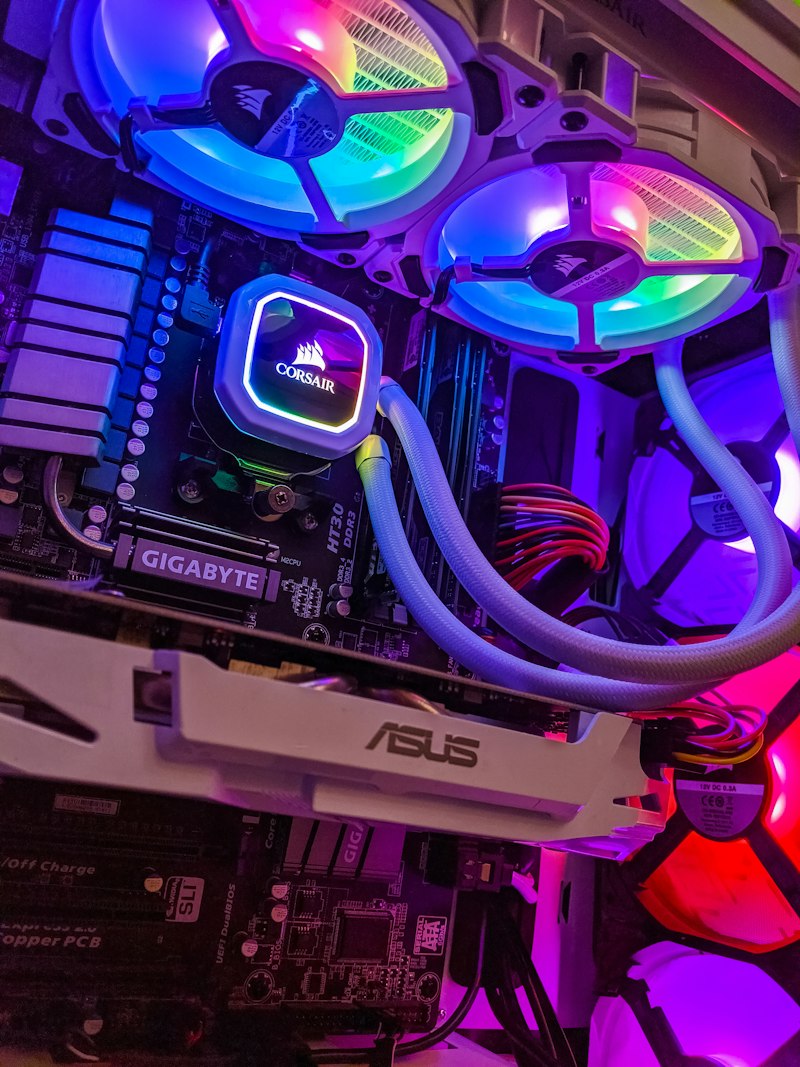
Hardware Requirements
Your hardware determines which models you can run:
- 8GB RAM / No GPU: Small models (1-3B parameters) via CPU inference. Slow but functional
- 16GB RAM / 8GB VRAM GPU: 7-8B parameter models at reasonable speed
- 32GB RAM / 12-16GB VRAM: 13B models comfortably, 70B with heavy quantization
- 64GB+ RAM / 24GB+ VRAM: 70B models at good quality, multiple model switching
For GPU inference, NVIDIA GPUs with CUDA support offer the best compatibility. AMD GPUs work with ROCm support. Apple Silicon Macs offer excellent CPU/unified memory performance with Metal acceleration.
Getting Started with Ollama
Ollama is the simplest way to run local models. Install it, then pull a model:
- Install Ollama from the official website
- Run a model with a single command
- Access via CLI, REST API, or compatible applications
- Manage multiple models easily
- Automatic quantization selection based on your hardware
Ollama handles model downloading, quantization, and serving. It exposes an OpenAI-compatible API, making it a drop-in replacement for many applications.
Using llama.cpp for Maximum Control
For more control, llama.cpp offers direct access to inference parameters:
- Download GGUF model files from Hugging Face
- Compile llama.cpp for your hardware (CPU, CUDA, Metal, Vulkan)
- Configure context length, batch size, and thread count
- Fine-tune quantization level for your quality/speed trade-off
- Run as a server with OpenAI-compatible endpoints
Choosing Quantization Levels
Quantization reduces model precision to fit in less memory:
- Q8_0: Highest quality, largest size. Nearly indistinguishable from full precision
- Q6_K: Excellent quality with meaningful size reduction
- Q5_K_M: Good balance of quality and size for most uses
- Q4_K_M: Most popular choice. Noticeable but acceptable quality loss
- Q3_K_M: Significant quality reduction. Use only when memory is very tight
- Q2_K: Not recommended for production. Testing only
Start with Q4_K_M and move up or down based on your quality requirements and memory constraints.
Optimizing Inference Speed
Several settings affect inference speed:
- GPU layers: Offload as many layers to GPU as VRAM allows
- Context length: Shorter contexts process faster. Set only as long as you need
- Batch size: Larger batches process prompts faster but use more memory
- Thread count: Match to your CPU physical core count for CPU inference
- Flash attention: Enable if supported for faster attention computation
- KV cache quantization: Reduce memory usage for long contexts
Building Applications with Local Models
Integrate local models into applications using these patterns:
- Use the OpenAI-compatible API endpoints that Ollama and llama.cpp provide
- Swap your API base URL from OpenAI to localhost
- Most LLM frameworks (LangChain, LlamaIndex) support local model endpoints
- Build custom interfaces with simple HTTP requests to the local server
- Use streaming for responsive user interfaces
Prompt Adjustments for Local Models
Local models often need slightly different prompting approaches:
- Be more explicit with instructions since smaller models follow less precisely
- Use structured output formats (JSON) with clear schemas
- Provide more few-shot examples than you would with GPT-4
- Keep prompts shorter since context windows are typically smaller
- Test your prompts specifically with your chosen local model
Multi-Model Architectures
Run multiple specialized models for different tasks:
- A small fast model for classification and routing
- A medium model for general conversation
- A code-specialized model for programming tasks
- An embedding model for semantic search
Ollama makes switching between loaded models seamless. Use routing logic to direct queries to the appropriate model.
Privacy and Security Benefits
Local AI eliminates data transmission risks. Sensitive documents, personal information, and proprietary data stay on your hardware. This makes local AI ideal for healthcare data processing, legal document analysis, financial information handling, and any scenario where data sovereignty matters.
Limitations to Acknowledge
Local AI has trade-offs. Models are smaller and less capable than frontier commercial models. You are responsible for updates and maintenance. Hardware costs are upfront rather than pay-as-you-go. Some tasks genuinely require larger models that cannot run locally. Be realistic about what local models can and cannot do for your specific use cases.


