AI Tools for Graphic Designers: Speed Up Your Creative Workflow
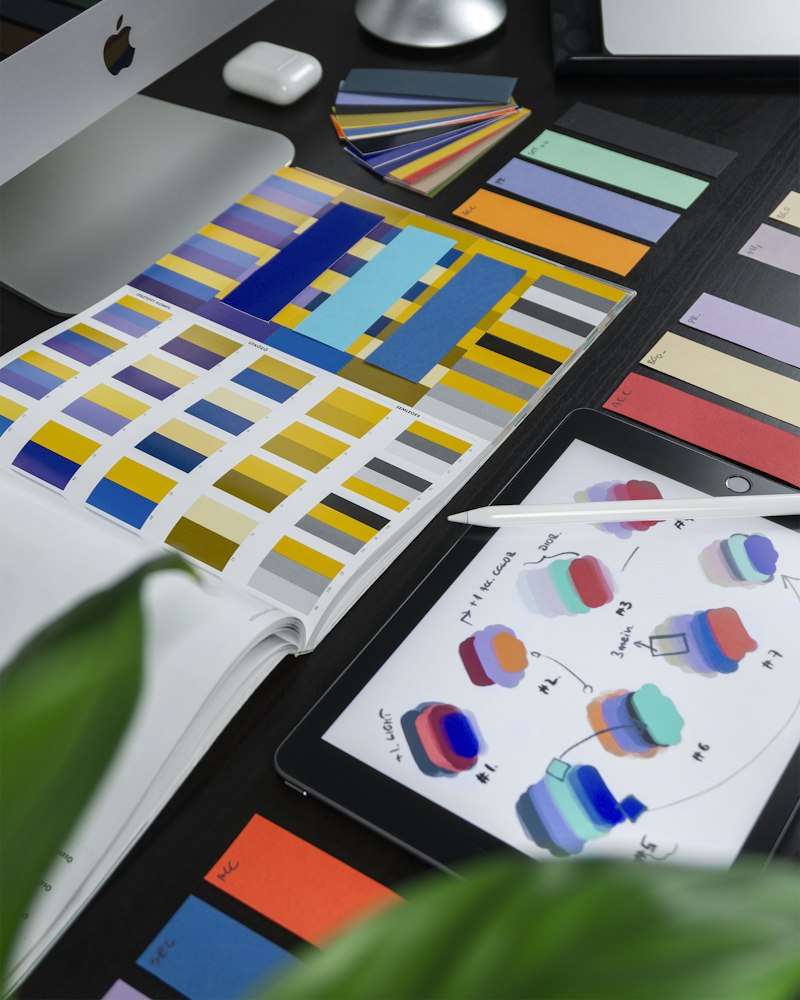
AI tools have not replaced designers — they have given good designers a significant competitive advantage. Designers who integrate AI into their workflow can handle more clients, produce better concepts faster, and spend more time on the creative decisions that actually matter.
Tool 1: Midjourney for Concept Ideation
The most valuable use of Midjourney for professional designers is concept generation — not final production. Feed a client brief into Midjourney to generate 20–30 visual directions in 10 minutes. Show clients a range of aesthetic directions before committing to design hours. This reduces revision cycles because clients can point to what resonates visually.
Effective workflow: *"[Client brand description], mood board concept, [style words: clean/bold/playful/etc.], color palette: [colors], for [industry]"*
Generate multiple options, curate to 6–8 strong directions, present as a mood board alongside your strategic rationale.
Tool 2: Adobe Firefly Integration
Adobe Firefly is built directly into Photoshop and Illustrator, making it the most workflow-integrated AI image tool for designers. Key features:
Generative Fill: Select any area of an image and describe what you want to replace it with. Seamlessly extends backgrounds, removes objects, and adds elements without visible seams.
Generative Expand: Expand image boundaries beyond the original canvas — essential for adapting photography to different aspect ratios.
Text Effects: Generate stylized text effects instantly — eliminates hours of manual layer work for headlines.
Tool 3: Canva AI for Client Templates
Build client template systems in Canva AI faster. Generate the initial design direction with AI, then build a structured template library your clients can update themselves. This is a scalable product offering for design studios.
Tool 4: Remove.bg and Cleanup.pics
Remove.bg: One-click background removal. What used to take 20 minutes in Photoshop takes 10 seconds. Handles hair and complex edges well.
Cleanup.pics: Remove unwanted objects from images with AI. Point at the object, it disappears. Combined with Photoshop Generative Fill, these tools eliminate the tedious clean-up work that consumes design time.
Tool 5: Khroma for Color Palettes
Khroma uses AI trained on your color preferences to generate unlimited color palettes. After a quick training quiz, it produces palette options that match your aesthetic. Particularly useful when a client gives you "make it feel modern but warm" with no other direction.
Tool 6: Looka for Logo Concepts
For smaller clients with tight budgets, Looka AI generates professional logo concepts at low cost. Use it to generate a starting direction, then refine in your tools of choice. Positions you to offer affordable logo services profitably.
The Designer's AI Workflow
Morning briefing: Use Claude to distill client brief into core design requirements and visual keywords.
Concept phase: Use Midjourney to generate visual directions. Select the strongest 6–8.
Execution phase: Work in Adobe CC with Firefly for image work, your standard tools for design.
Delivery: Use AI to write client-facing copy describing the design rationale.
Revision phase: Use Photoshop Generative Fill to make changes faster, especially for environmental or lifestyle imagery.
The designers doing this report 40–50% faster project completion on concept-heavy work. That speed advantage either means more clients, more revenue per client, or more creative exploration per project — all good outcomes.


